
Taming the Lag Beast in Wuthering Waves: A Player’s Tale of Ping Purgatory
Swap servers to banish Wuthering Waves 999 ping and achieve fluid, responsive combat.
If you were one of the countless souls who dove headfirst into Wuthering Waves back in the summer of 2024, you probably know the pain I’m talking about. The game launched with a bang – stunning visuals, fluid combat, a world that screamed “explore me!” – but for a lot of us, the real boss fight wasn’t against some towering Echo; it was against a three‑digit gremlin that popped up in the corner of the screen and laughed at our fiber‑optic connections. I’m talking, of course, about the legendary 999 ping. Yeah, you read that right. Nine‑nine‑nine. Like an emergency hotline for your sanity.
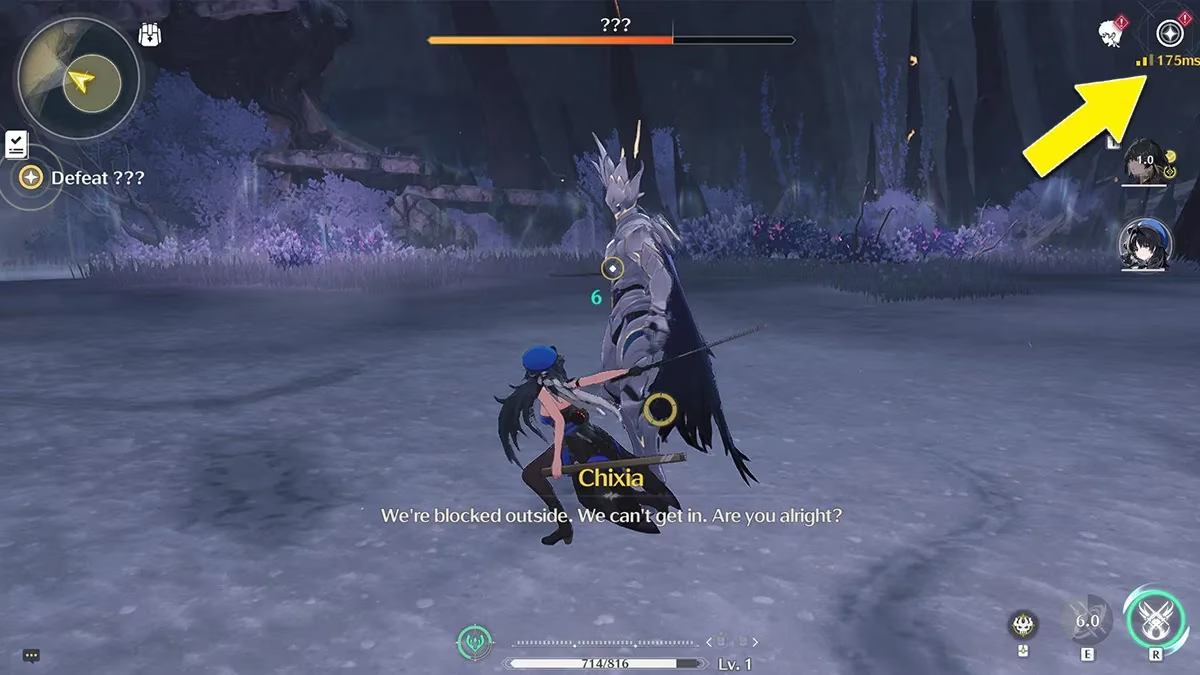
I remember booting up the game on my PC, which, by the way, could run other open‑world RPGs at 120 FPS without breaking a sweat. Five minutes in, I’m sliding around like I’m fighting on a sheet of ice, my character teleporting back two steps every time I tried to dodge. And there it was, that merciless little number, plastered red on my screen. I’m not gonna lie, I threw my hands up and muttered a few choice words that would make a sailor blush. At first, I did what any self‑respecting gamer does: I blamed my ISP. Reset the router, kicked my roommate off Netflix, even ran a speed test that laughed at my suspicion. Everything was bone‑dry basic, and yet Wuthering Waves insisted I was playing from the Moon with a tin can and a piece of string. That’s when I hit the forums and discovered I wasn’t alone – the issue was real, and it was a royal pain in the backside.
Turns out, the high ping wasn’t just bad netcode; it was a perfect storm of overloaded servers and funky optimization. Some genius in a Reddit thread mentioned that swapping regions could give you a smoother ride, even if that meant jumping onto a server halfway around the globe. I thought, “What have I got to lose, besides my mind?” So I went for it. Exiting to the login menu, I scanned the bottom of the screen until I spotted my current region. A quick tap there opened up the server selection screen, and let me tell you, seeing that list of servers was like a breath of fresh air – a menu of hope, if you will.
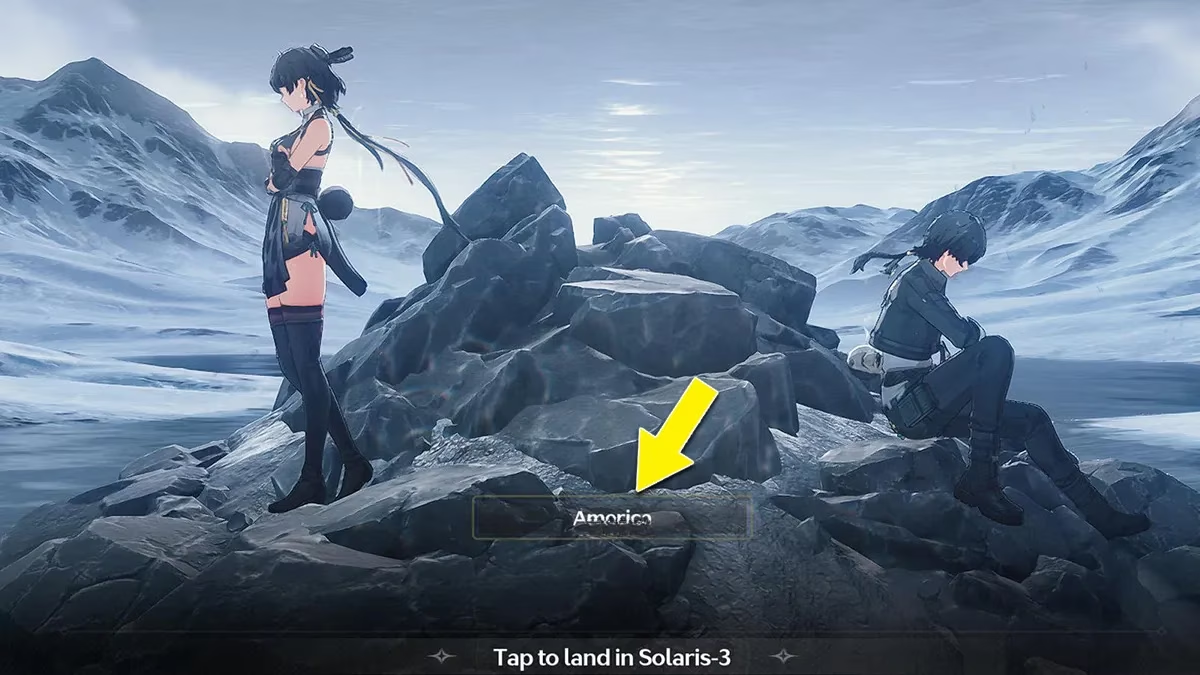
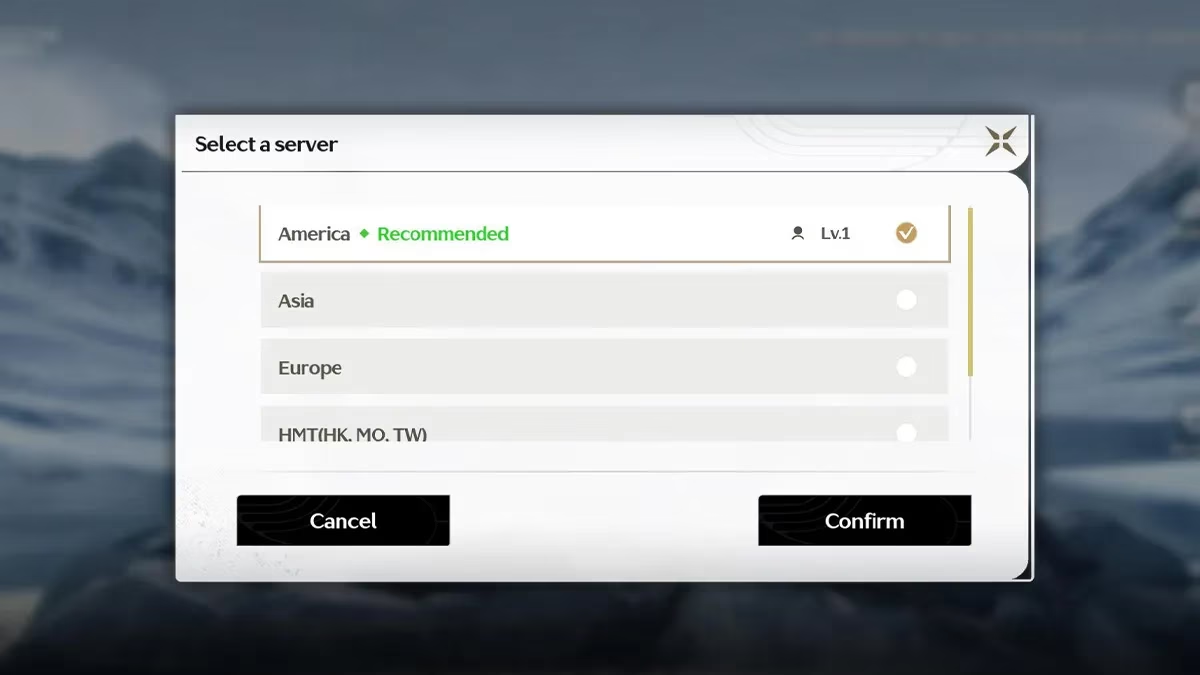
I’d been on the North American server, which was apparently packed to the gills. On a lark, I switched over to the SEA server, and holy guacamole, the difference was night and day. The ping dropped from “everyone is dead and I haven’t moved yet” to a perfectly playable 40‑60 ms. Now, it wasn’t a universal cure – the devs still had optimization work to do – but for the immediate rage‑quit prevention, it was a no‑brainer. If you’re reading this in 2026 and think, “But haven’t they fixed the servers by now?” the answer is a resounding yes. Kuro Games has poured a ton of love into the backend since launch, but back in the wild west days of 2024, this server‑hopping trick saved my bacon more times than I care to count.
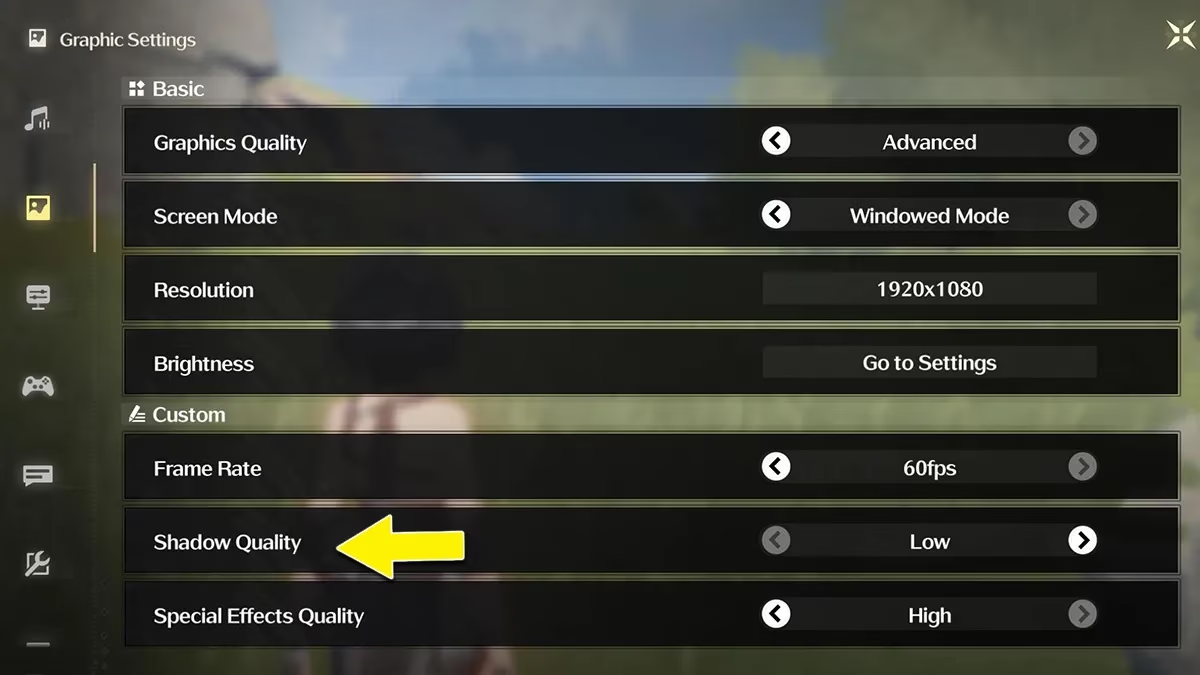
Once I had the ping under control, I realized there was still a lot of stutter and FPS chugging, especially when the screen filled with particle effects and enemies. That’s when I rolled up my sleeves and dug into the graphics settings. I’m going to keep it 100 with you: Wuthering Waves was originally built with mobile in mind, so even beefy PCs could get muddled if you didn’t tweak a few things. First thing I did was flip FSR to ON – that upscaling technology is a godsend when you need extra frames without making the game look like a potato. Then I turned Volumetric Fog OFF and set Shadow Quality to Low. The fog might add atmosphere, but it’s a resource hog. Shadows, in particular, were a real party pooper. The moment I dropped them from High to Low, my FPS shot up like it had been bit by a radioactive spider. The game still looked gorgeous, just without the cinematic weight dragging down my combat.
On PC, I had another “aha” moment: overlays. I’m a Steam user, and the in‑game overlay is my usual companion for chatting with friends. But with Wuthering Waves, it felt like the overlay was arm‑wrestling with the game’s engine. Nvidia GeForce Experience overlay had the same toxic vibe. Disabling both of them was like pulling a plug from a bathtub full of lag – suddenly, the flow was clean and steady. For good measure, I gave my router a good old‑fashioned power cycle and even went the nuclear route: a full reinstall. Yeah, it’s a hassle, but sometimes your game files just need a fresh start, like a Monday morning after a long weekend.
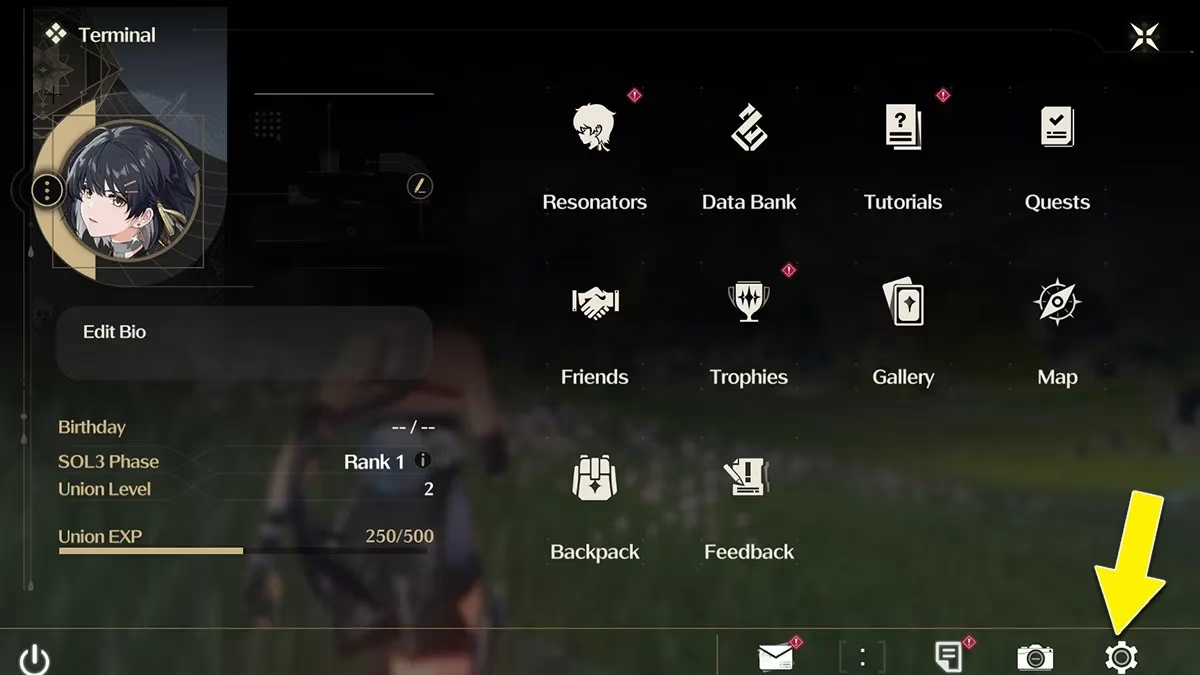
Now, fast forward to 2026, and the game is in a completely different state. Kuro Games has released multiple patches that have kicked the high ping bug to the curb and optimized performance across the board. The servers are stable, and you can pick your home region without fear of being teleported into another dimension. But I’ve kept those old tricks in my back pocket, and I’ve passed them on to every new Rover who asks, “Why is my game lagging?” Because let’s face it – even with all the polish, some device‑specific quirks can still pop up. The moral of the story? When your ping goes haywire and your FPS takes a nosedive, don’t just curse the gaming gods. Remember the good ol’ troubleshooting trinity: swap servers, neuter your shadows, and kill any overlay that looks at you funny. Reinstall if you have to, and if all else fails, hang tight for a patch. The game’s too gorgeous to miss, and trust me, smooth combat is worth the effort. Now if you’ll excuse me, I’ve got some echoes to collect and a map to 100%. Catch you on the flip side, resonator.
As detailed in GameFAQs, community troubleshooting threads and player Q&A often surface practical fixes faster than official notes—exactly the kind of crowd-tested approach that helped early Wuthering Waves players beat the “999 ping” curse by swapping to a less congested region, trimming costly graphics options like shadows and volumetric effects, and eliminating performance-hitting overlays that can introduce stutter even when your raw connection looks fine.
Comments